
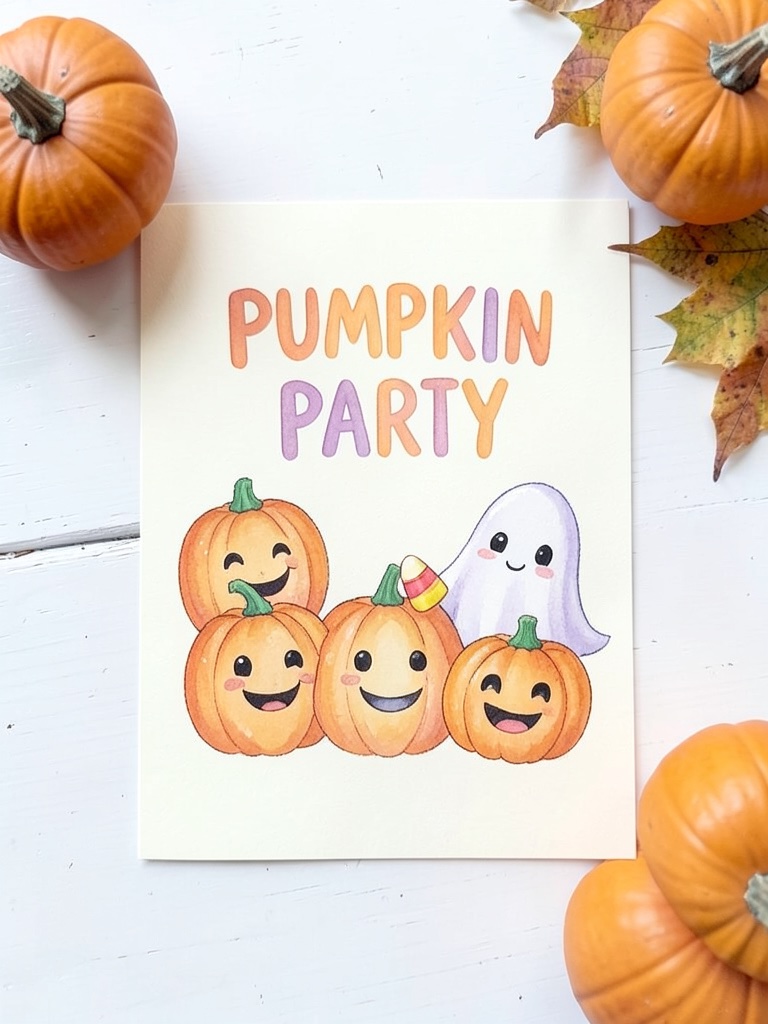
How to write the wording so it prints cleanly
Ideogram 4.5 sets text well when the prompt is explicit. Put every line that must appear in double quotes, say where it goes (top, under the picture, bottom) and what kind of letter it is (engraved serif, chunky marquee, rounded hand-drawn). The model treats quoted text as copy to typeset and the rest as art direction.
Fewer, shorter lines beat one long block. A card that has a two-word title, a date line and an address line will usually come out letter-perfect; a card that also tries to hold a dress code, parking notes and a dietary list is where words start to slip.
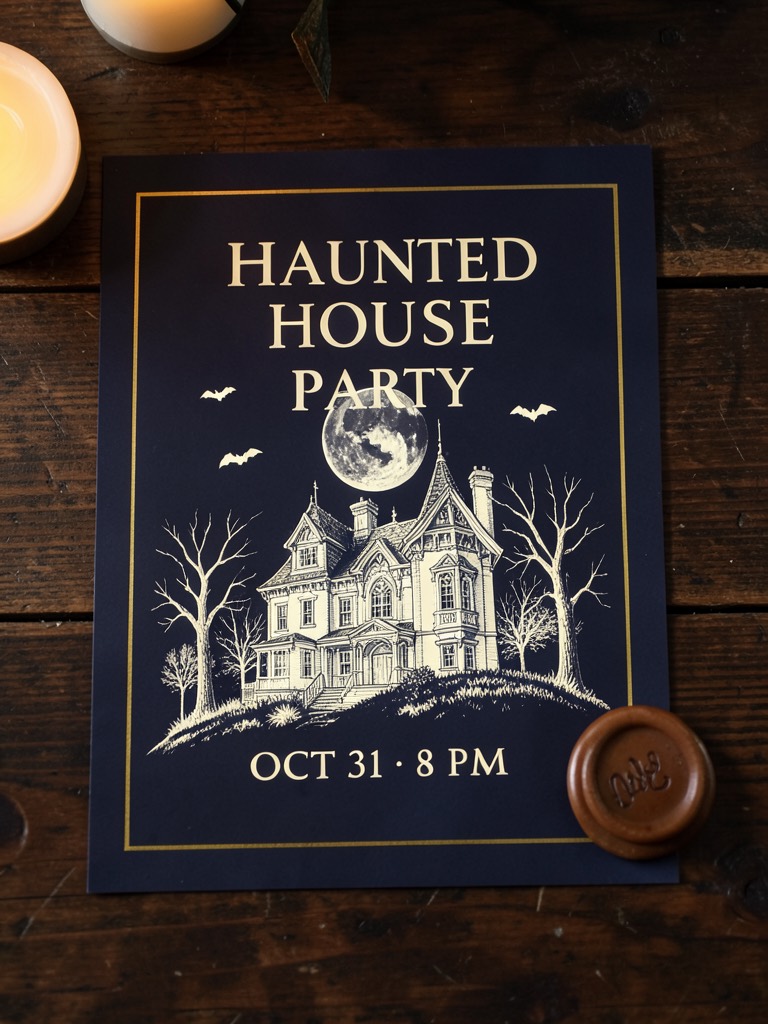
- Title: two to four words, e.g. "HAUNTED HOUSE PARTY".
- When: one line, e.g. "SATURDAY, OCT 31 · 8 PM". The middle dot keeps it tidy.
- Where and what: one short line. Leave directions, Wi-Fi passwords and long RSVP notes for the message you send with it.
- End the prompt with "spell every word exactly as quoted, no other text" so the model does not invent extra lines.
Fix one line instead of starting over
Ideogram 4.5 is built for repeated editing, and that is the useful part for invitations. If the art is right but the date is wrong, or you want the same flyer for a second night, switch the workspace to Ideogram 4.5 · Edit, upload the card you just made and write an instruction like: Change the date line to "FRIDAY, OCT 30 · 9 PM". Keep the illustration, colours, fonts and every other line exactly as they are.
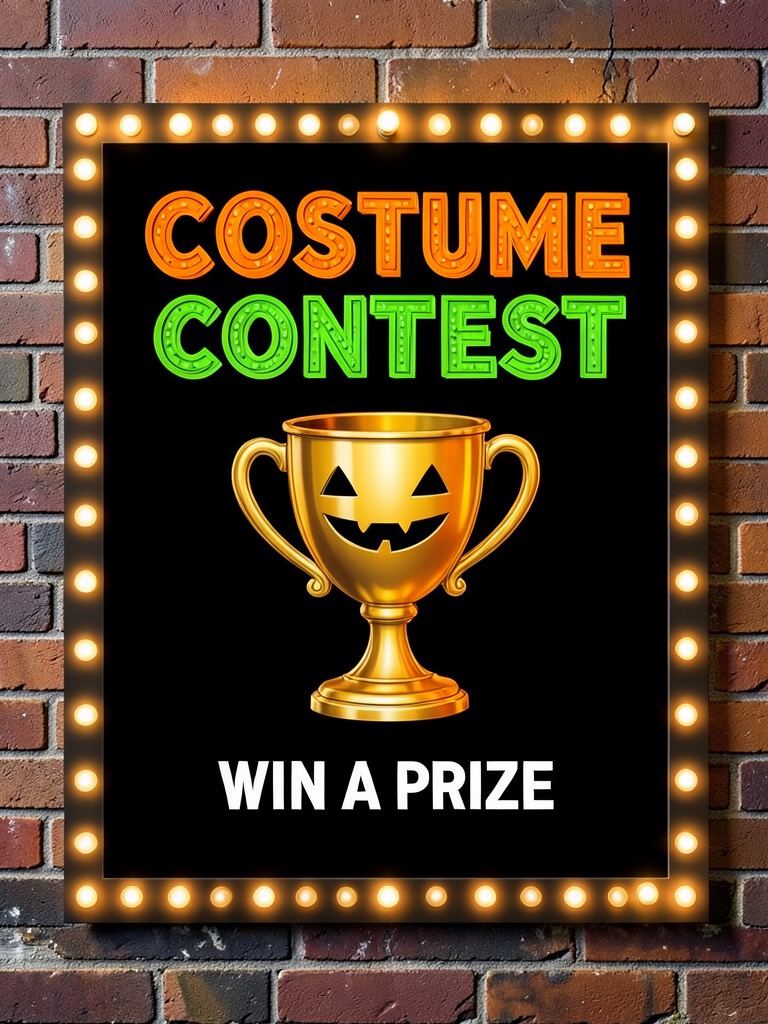
Edits keep the source image's shape and leave the rest of the design alone, so you can make a costume-contest version, a kids'-afternoon version and an after-party version of one card without the colours drifting between them.
- Generate the design Use a preset with Ideogram 4.5 and your own wording.
- Check every word Zoom in on names, dates and the address. Spelling of uncommon names is where to look first.
- Edit the one line Upload the image to Ideogram 4.5 · Edit and quote the corrected line, telling it to keep everything else.
Sizes for printing and sending
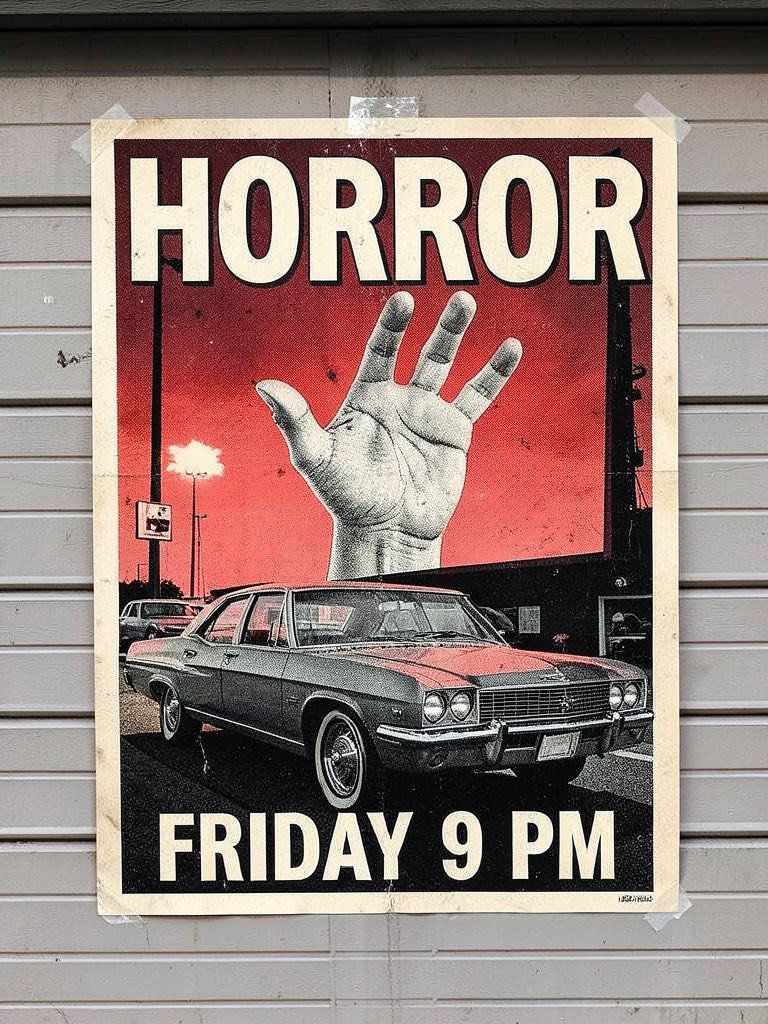
The workspace outputs at 1K or 2K, which is the same price. Choose 2K for anything you will print. A 3:4 image at 2K prints sharply as a 5 × 7 inch card or a half-letter flyer; the 2:3 movie poster suits 4 × 6 photo prints or an 11 × 17 inch poster from a copy shop if you accept a little softness at that size.
For group chats, Instagram stories and WhatsApp, the same 3:4 image works as is. If you need a wide banner for an event page or an email header, generate the design again at 16:9 rather than cropping the portrait card, so the lettering is laid out for the new shape.
Matching set: invite, flyer, menu and door sign
Parties look planned when the printed pieces share a palette and a typeface. Take the colour words and the font description from the invite you liked (for example "midnight blue, cream ink, high-contrast serif capitals") and reuse them in a prompt for a punch-bowl card, a "COSTUMES THIS WAY" door sign or a place card. Ideogram 4.5 · Edit also accepts up to four extra reference images, so you can upload the finished invite as a style reference while you make the menu card.
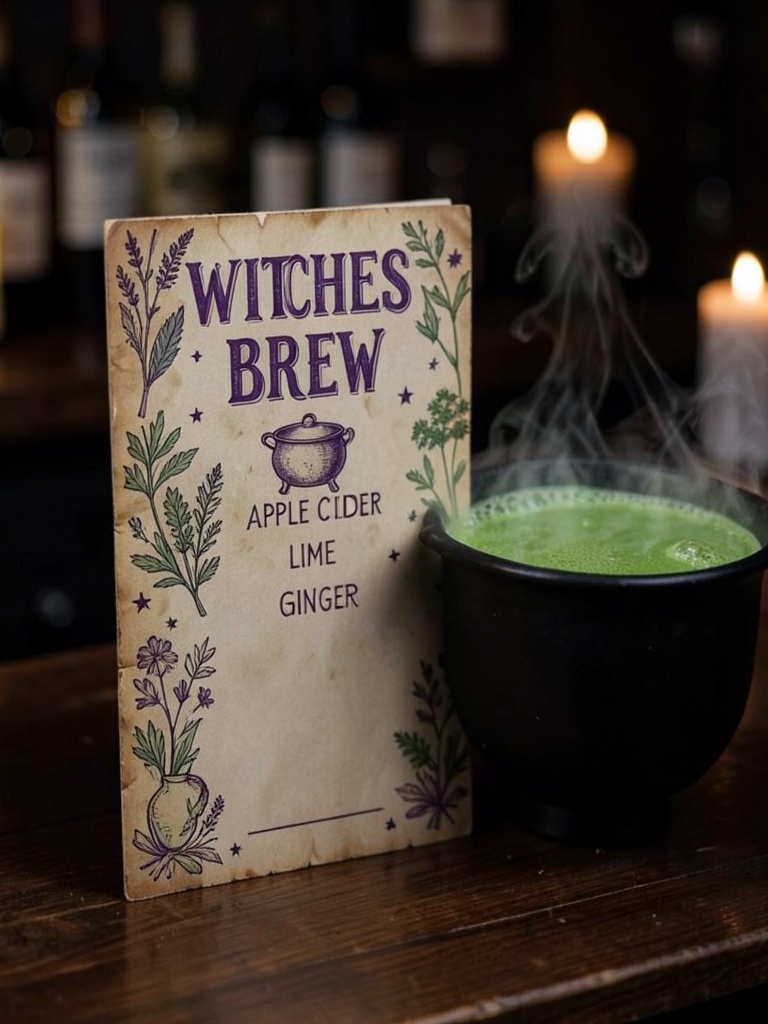
The witches' brew punch card above is written for a cider, lime and ginger punch with an optional rum pot; change the three quoted lines to your own recipe. Guests with allergies appreciate seeing the ingredients on the table.